Conditions and if-else
How does a shopping app decide whether your delivery is free? See how programs compare values, pick a path with if-else and combine several conditions.
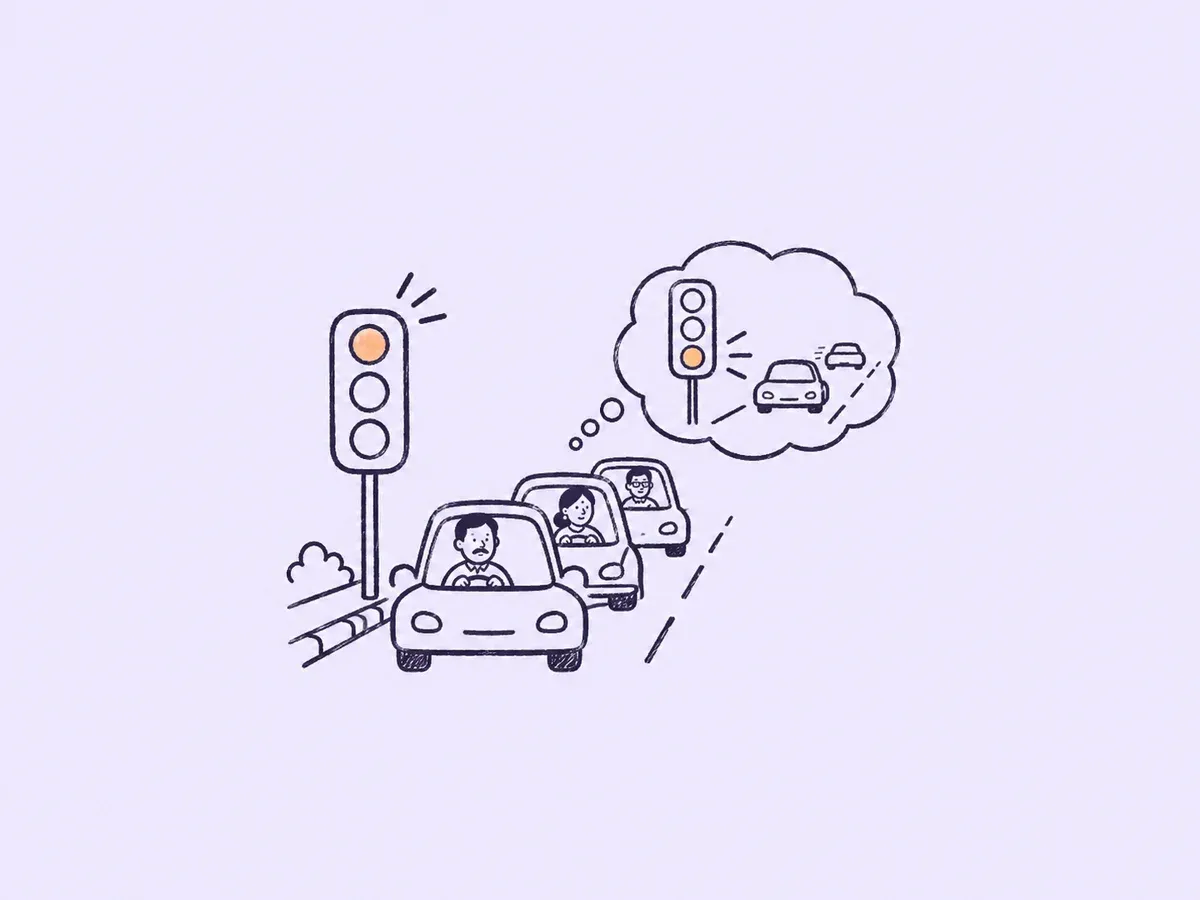
Decisions every day
At a traffic signal, you check the light. If it is red, you stop. Otherwise, you go.
So far, our programs ran every line, top to bottom. Real programs need to check something first, then choose what to do.

Free delivery or not?
Neha orders a phone cover worth ₹349 on a shopping app. The app’s rule: delivery is free on orders of ₹499 or more. Otherwise it costs ₹40.
Someone wrote this rule as a program. Let’s write it ourselves.
Comparisons
First, the program asks a yes or no question by comparing 2 values:
total = 349print(total >= 499)print(total < 499)FalseTrueThe answer is a boolean, as we saw in the last lesson. Such a question is called a “condition”. >= means greater than or equal to.
if
Now we act on the answer. if runs a line only when the condition is True:
total = 549if total >= 499: print("Free delivery")Free deliveryChange total to 349 and nothing is printed. The program skips the line and moves on.
The indented block
How does Python know which lines belong to the if? Lines pushed in by 4 spaces form a “block”.
total = 549if total >= 499: print("Free delivery") print("You saved ₹40")print("Thank you")Free deliveryYou saved ₹40Thank youThe last line is not indented, so it prints for every order.
else
What about Neha’s ₹349 order? else gives the path for when the condition is False:
total = 349if total >= 499: fee = 0else: fee = 40print(total + fee)389Only one of the two blocks runs, never both. Neha pays ₹389.
elif
The app adds a middle slab: ₹20 delivery on orders of ₹199 or more. elif, short for “else if”, adds another check:
total = 349if total >= 499: fee = 0elif total >= 199: fee = 20else: fee = 40For Neha, the first check fails and the second passes. Her fee is now ₹20.
Order matters
Python checks from the top and stops at the first True. What if we swap the checks?
total = 549if total >= 199: fee = 20elif total >= 499: fee = 0print(fee)20A ₹549 order should be free. But 549 passes the first check, so the second never runs. Put the strictest check first.
and, or, not
Members of the app get free delivery on any order.
total = 349member = Trueif total >= 499 or member: print("Free delivery")Free deliveryor needs at least one side to be True. and needs both. not flips True to False.
= vs ==
These look alike but do different jobs. One = stores a value. Two == compare values.
city = "Pune"if city == "Pune": print("Same-day delivery")Same-day deliveryWrite if city = "Pune": and Python stops with a SyntaxError. It is a very common beginner slip.
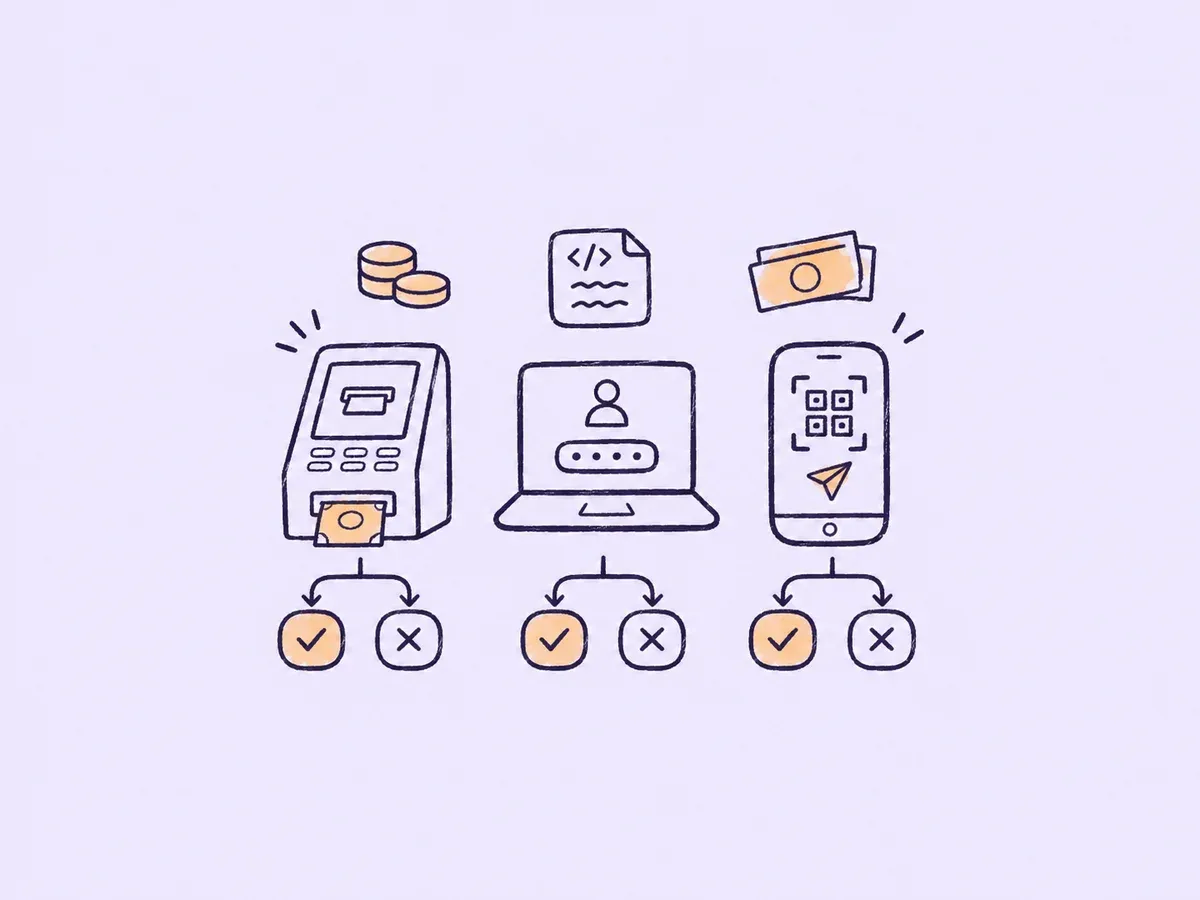
Conditions everywhere
Once you know if, you see it in every app. An ATM checks if your balance covers the withdrawal. A login page checks if the password matches. A UPI app checks if the amount is within your limit.
Every rule is a condition with a path for each answer.
Summary
- Condition: A comparison like
total >= 499that gives True or False. - if, elif, else: Python checks from the top and runs only the first block that passes.
- Blocks: Indented lines belong to the check above them. Indentation is part of the code.
- Combining:
andneeds both sides True,orneeds one.==compares,=stores.