Classes, objects and modules
A bank app handles lakhs of accounts, so how does it keep each name and balance apart? See how classes and objects keep data and code together, and how modules let you reuse code.

Data that belongs together
Meera has a bank account: a name, a balance and actions like deposit. In our programs so far, these would be separate variables and functions, scattered around.
Add Rohan’s account and we need a second set. With 1,000 customers, it becomes a mess.

A form and its copies
A bank has one blank account-opening form. It lists what every account needs: a name and an opening balance.
Each customer fills in a copy. One form design, many filled forms, each with its own details. Programming has the same pair.
Class
The blank form is called a “class”. Here is one for accounts:
class Account: def __init__(self, n, b): self.name = n self.balance = b__init__ is a special function that runs whenever a new form is filled in. It stores the name and balance. self means “this particular account”.
Objects
A filled form is called an “object”. We create one by calling the class like a function:
a = Account("Meera", 5000)b = Account("Rohan", 1200)print(a.name)print(b.name)MeeraRohanOne class, 2 objects. Python passes "Meera" and 5000 to __init__ as n and b.
Attributes
The values stored inside an object are its “attributes”. We read them with a dot:
print(a.name)print(a.balance)print(b.balance)Meera50001200Read a.balance as “the balance of account a”. Inside the class, self.balance means the balance of whichever account is in use.
Methods
A class can hold functions too. A function inside a class is called a “method”. Let’s add one for deposits:
class Account: def __init__(self, n, b): self.name = n self.balance = b def deposit(self, amt): self.balance += amt+= adds to what is already there. Now the data and the code that changes it live in one place.
Separate objects, separate data
We call a method with a dot, just like reading an attribute:
a = Account("Meera", 5000)b = Account("Rohan", 1200)a.deposit(500)print(a.balance)print(b.balance)55001200Meera’s balance changed. Rohan’s did not. Each object carries its own data, so 1,000 accounts never get mixed up.
Objects are everywhere
Every value in Python is an object made from a class. Strings and lists come with their own methods:
name = "meera"print(name.upper())marks = [72, 85]marks.append(90)print(marks)MEERA[72, 85, 90]That is why type printed the word “class” in the first lesson.
A borrowed toolbox
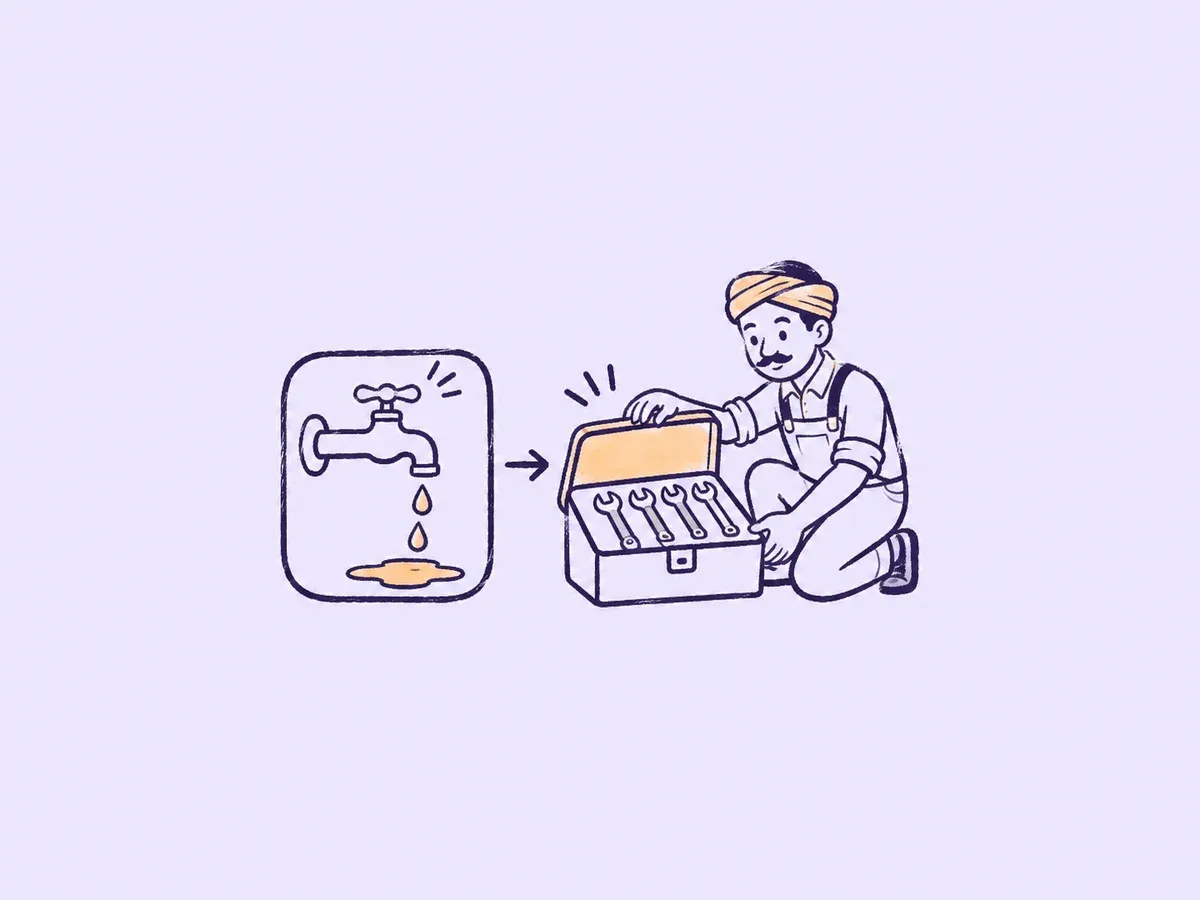
When a tap leaks, a plumber doesn’t make a new spanner. He opens his toolbox and picks one.
Programmers work the same way. Python comes with ready toolboxes for maths, dates, random picks and much more. Each toolbox is called a “module”.
Importing a module
import brings a module into our program. Let’s pick a lucky-draw winner for a housing society’s Diwali function:
import randomnames = ["Meera", "Rohan", "Kabir", "Neha"]winner = random.choice(names)print(winner)Kabirrandom.choice picks one item from a list. Run it again and the winner may change.
Your own module
A module is just a file of Python code. Save the Account class in a file named bank.py. Any program in the same folder can then use it:
from bank import Accounta = Account("Meera", 5000)a.deposit(500)print(a.balance)5500Big programs are built this way: many small files, each with one job.

Packages others built
Programmers around the world share their own modules, called “packages”. A tool named pip installs them with one command.
For example, pandas works with Excel-style data, Django builds websites and Matplotlib draws charts. Much of programming is knowing which toolbox to open.
Summary
- Class: A blank form that says what data and methods each object will have.
- Object: One filled-in copy of the class, with its own attributes.
- Methods: Functions inside a class, called with a dot, like
a.deposit(500). - Modules: Files of reusable code. Bring them in with
import, or install more withpip.