MCPs and AI tools
Claude and ChatGPT are two apps, but what about all the others you use? See how MCP plugs AI into your apps, and which AI tools handle video, voice, sheets and code.

One charger for every phone
Remember when every phone needed its own charger? Today one USB-C cable fits them all.
AI apps had the same problem with connectors. Let’s see the fix with Ananya, who runs a small travel agency in Jaipur.
MCP
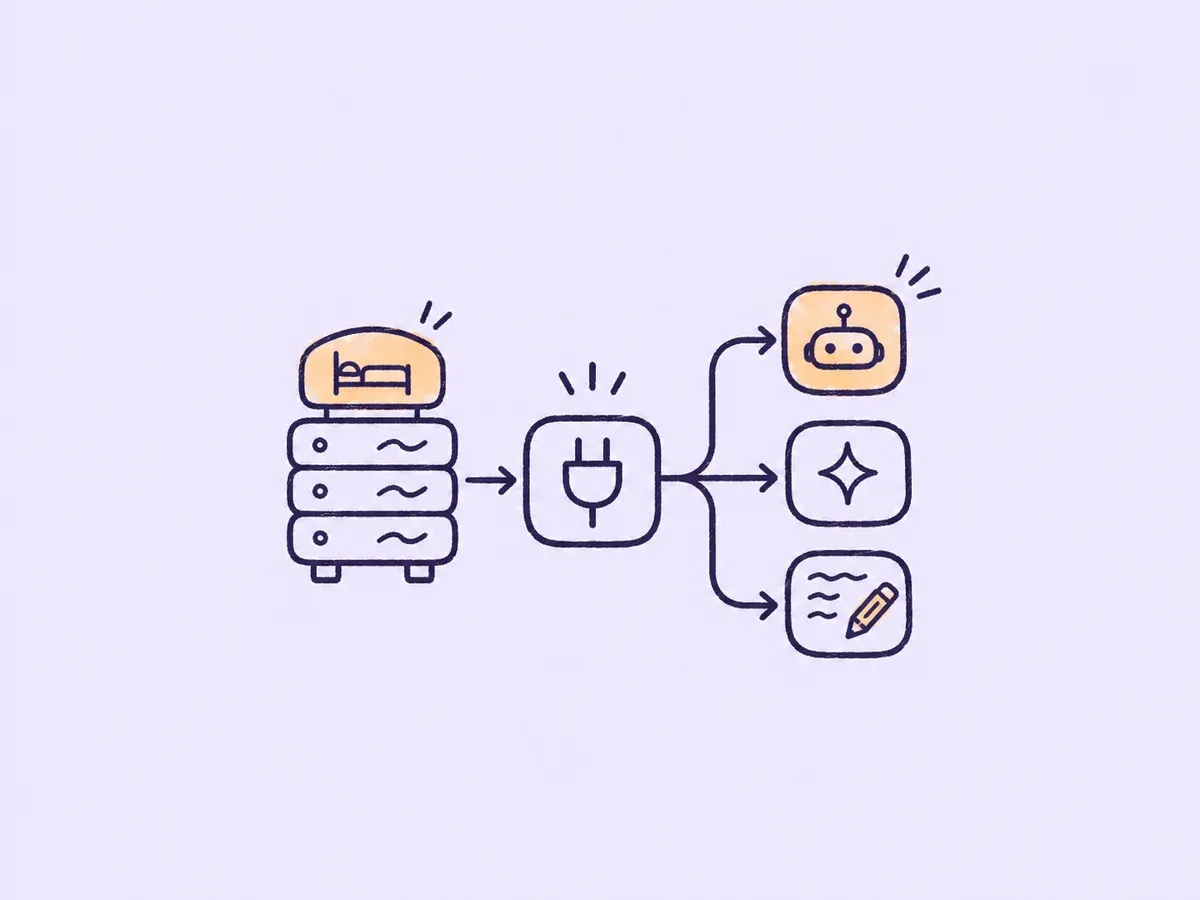
In lesson 1, each app built connectors for AI. But must it build one for Claude and another for ChatGPT?
No. Apps follow one shared standard, the Model Context Protocol (AI jargon: “MCP”). A hotel site builds one “MCP server”, and every AI app can plug in.
Exa and Firecrawl
Two popular MCP servers bring the web to your AI. Exa searches for the right pages. Firecrawl reads a page and returns clean text. Ananya asks:
Find 5 lake-view hotels inUdaipur under ₹6,000 a night.List their prices.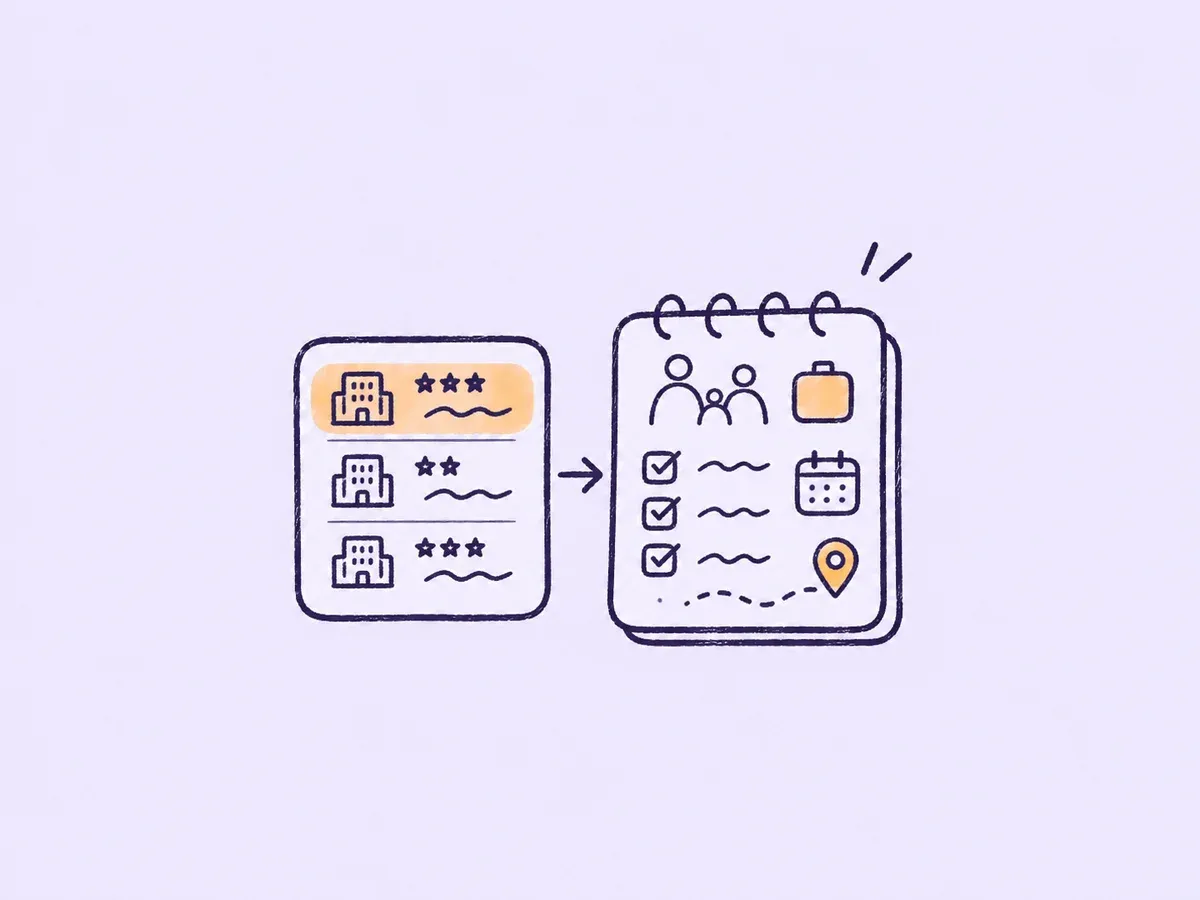
Notion
Many teams keep notes and plans in Notion. Its MCP server lets AI read and write those pages.
Ananya says: “Save this hotel shortlist to the Sharma family’s itinerary page.” Claude adds the table to her Notion page, with no copy and paste.

Canva and Adobe
Design apps have MCP servers too. With Canva, Ananya asks Claude to turn her Udaipur brochure into an Instagram post.
Adobe’s connector reaches Photoshop, Lightroom and more. She asks it to brighten and straighten 20 hotel photos.
Zapier, Make and n8n
Some jobs repeat exactly, so they don’t need an agent. Automation tools run fixed steps whenever something happens:
When: new enquiry form1. Add row to Google Sheets2. WhatsApp: "We got it!"Zapier is the simplest, Make shows the flow as a picture, and n8n is free to run on your own computer.
Personal agents
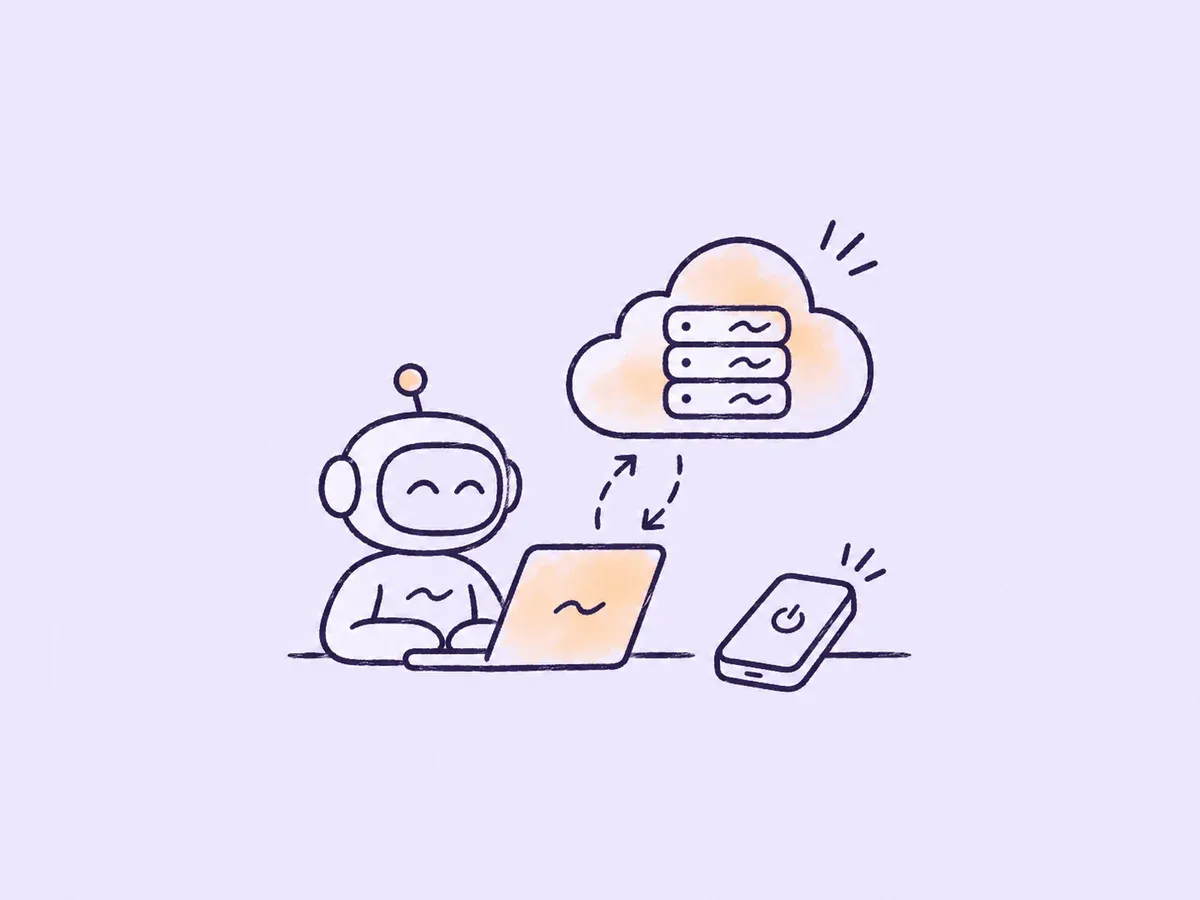
What if an agent worked for you all day? Personal agents like Grok Bot (xAI) and Muse (Meta) work on their own cloud computer, even when your phone is off.
Ananya’s bot watches for flight-change emails and drafts client messages for her approval. Muse is in only a few countries so far.

Video models
AI can now make video. Seedance, from ByteDance, turns a prompt into a clip of up to 30 seconds. Ananya asks for “monsoon clouds over Amber Fort”.
HeyGen makes a video avatar of you. Hers gives the trip briefing in Hindi and Tamil.
Text to speech
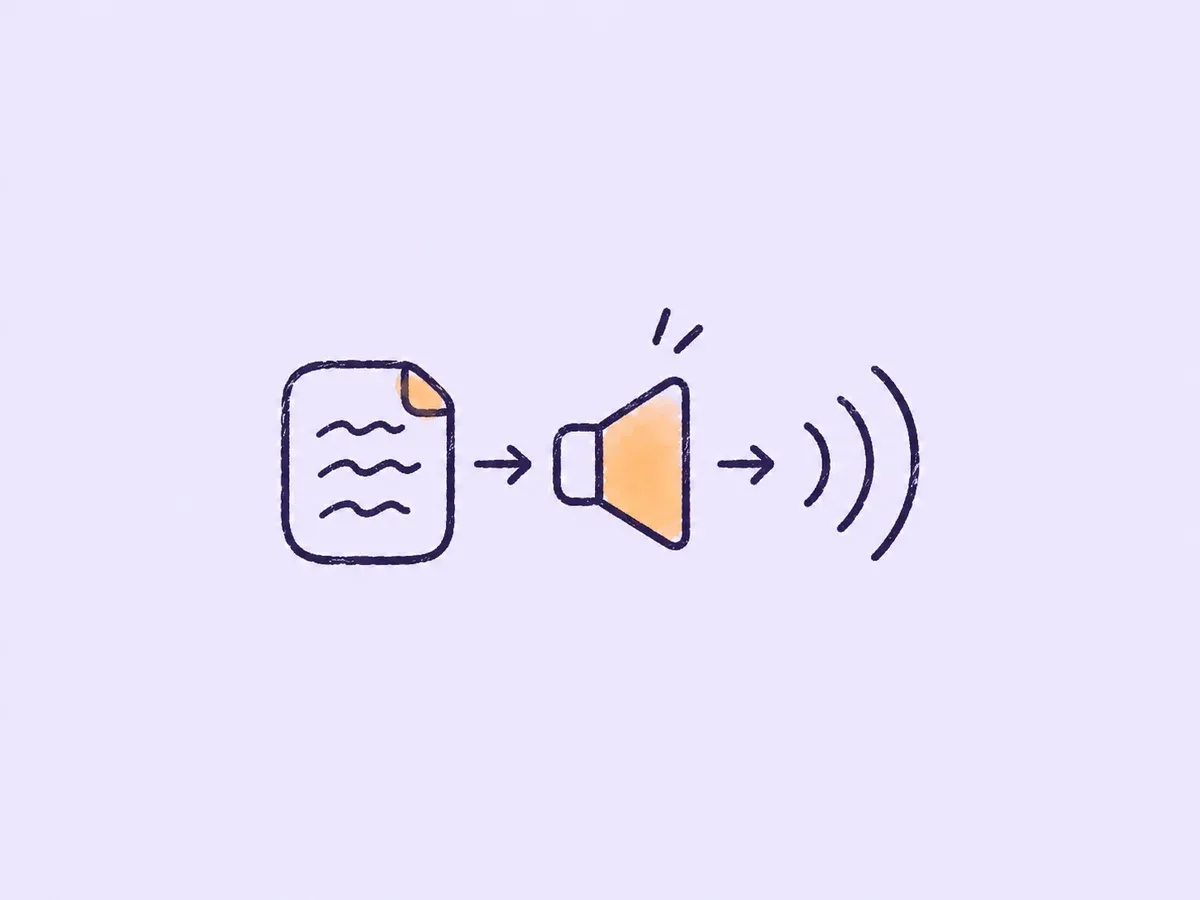
Need a voice without a recording studio? Text-to-speech tools read your script aloud in a natural voice.
Ananya uses ElevenLabs for an English audio guide to Amber Fort. For Hindi and Bengali, she uses Bulbul from Sarvam, an Indian company.
Speech to text
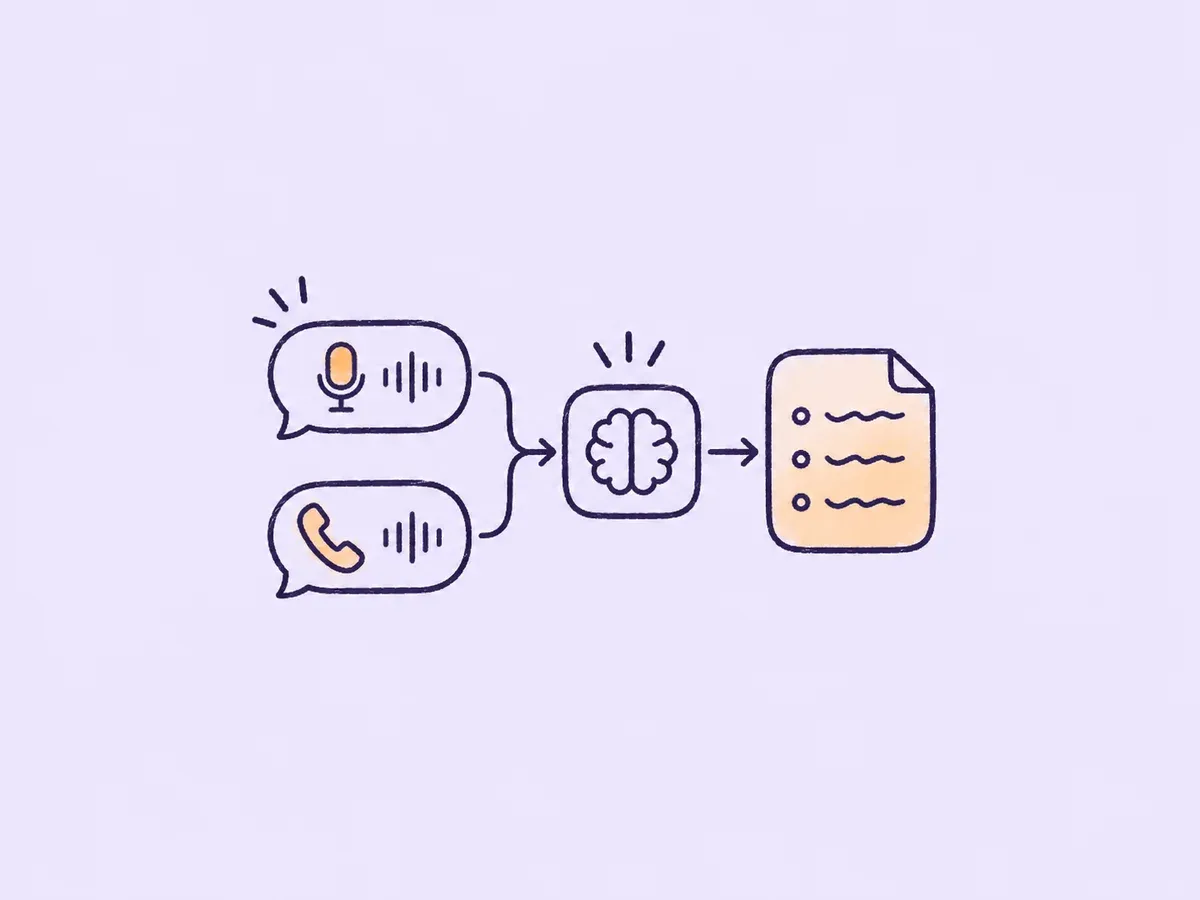
The reverse is useful too: turning speech into text. Scribe, from ElevenLabs, types out a client’s voice note.
Granola listens to Ananya’s call with a hotel partner and writes the meeting notes. Sarvam’s Saaras handles Hindi mixed with English.
AI in Excel
AI now sits inside spreadsheets. Claude, ChatGPT and Microsoft’s Copilot all work inside Excel, editing the sheet for you. Ananya opens her bookings sheet and types:
Total bookings by destination.Chart the top 5.The table and chart appear in the workbook.
Coding agents
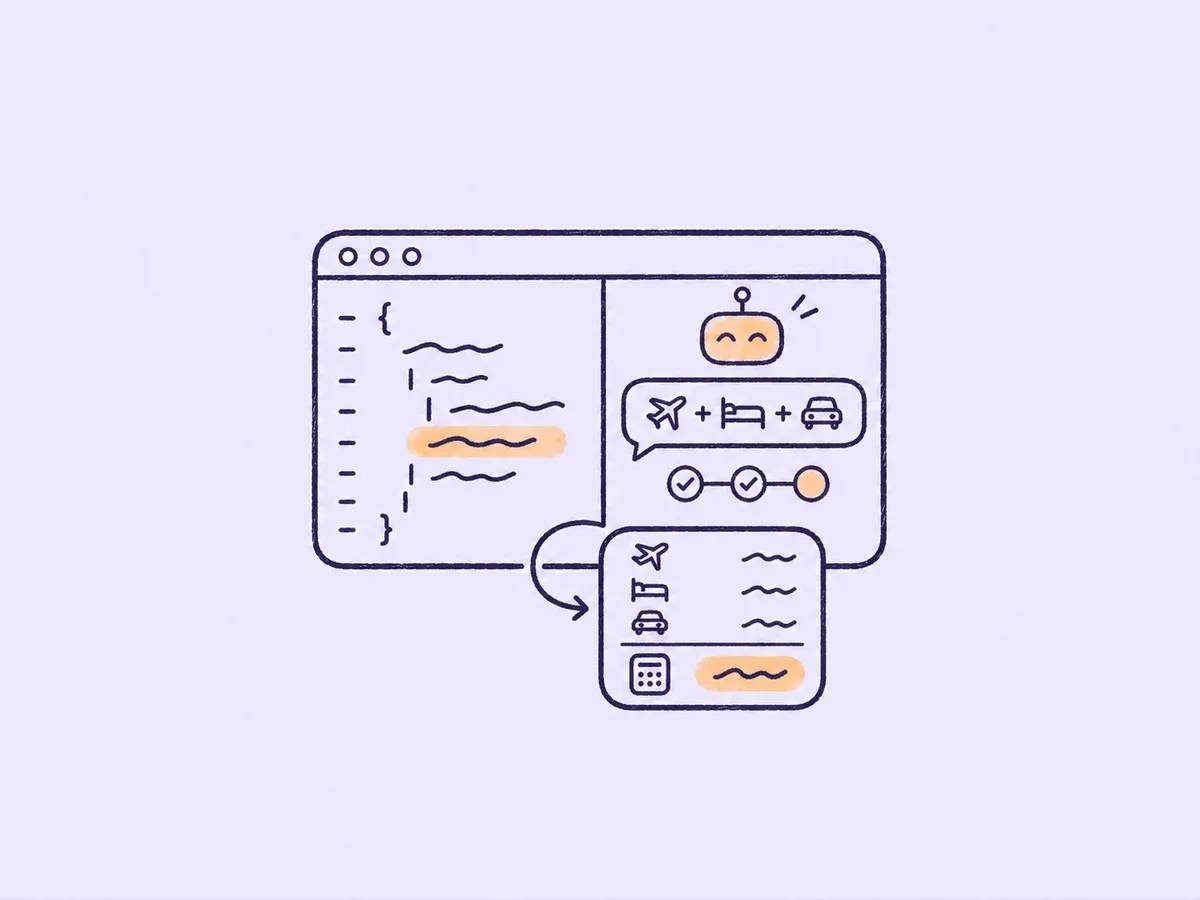
In lessons 2 and 3 we met Claude Code and Codex, agents that write and fix code. Cursor is a third: a code editor with an agent built in.
Ananya asks one to build a trip cost calculator for her website.
Supabase
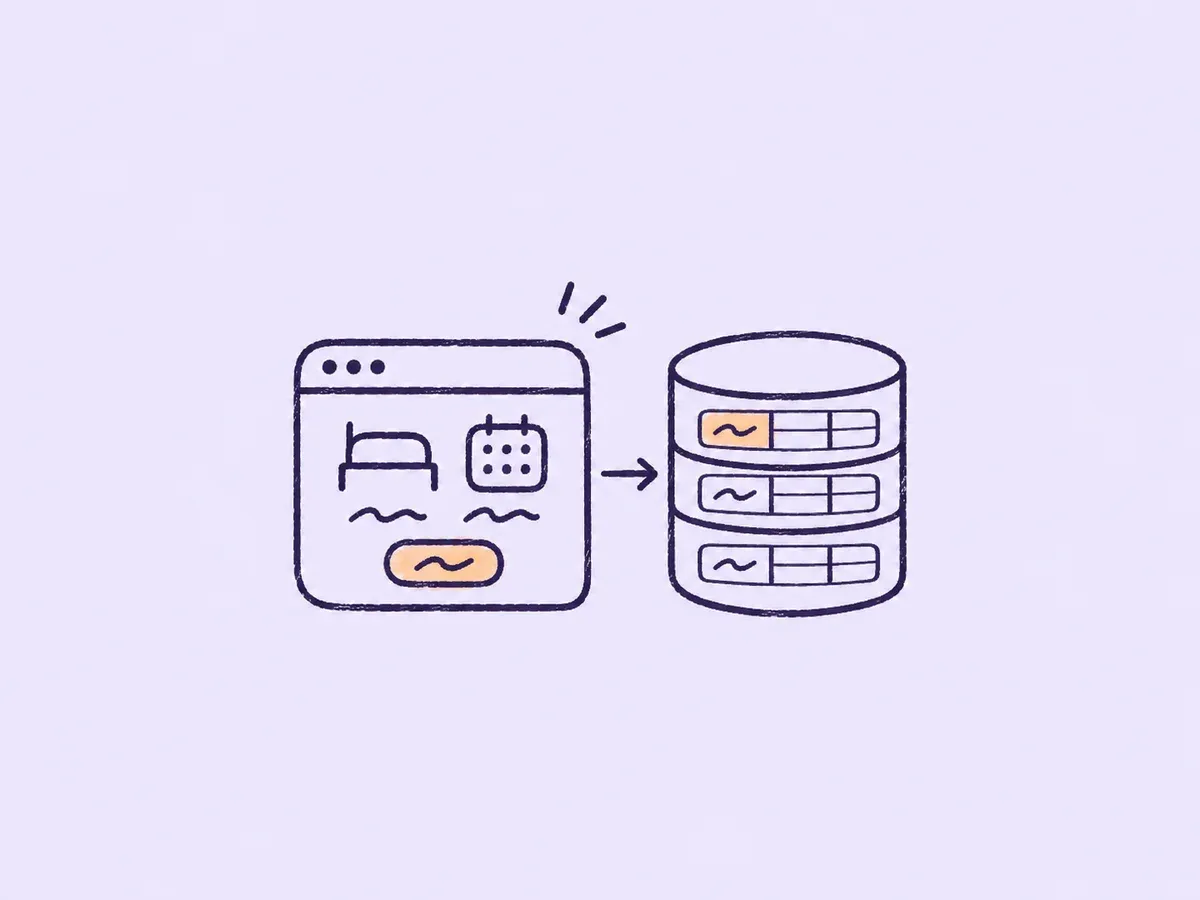
Her website needs an organised store for bookings (tech jargon: “database”). Supabase is a popular one, and its MCP server lets AI work with it.
The coding agent sets up the tables. Later Ananya asks: “How many Kerala bookings came in October?”
Summary
- MCP: One shared standard that lets any AI app plug into any app’s tools.
- MCP servers: Exa, Firecrawl, Notion, Canva, Adobe and Supabase bring search, notes, design and data to AI.
- Automation and agents: Zapier, Make and n8n run fixed steps. Personal agents work on your goals all day.
- Specialist tools: Separate AI tools make video and voice, and work inside Excel and code.